Animation
There is a “Assets/Prefabs/Character.prefab”, but it is bare bones at this point.
- Bring over the Animator you created for Lab08
- Attach one to the “Character.prefab”
Use the editor to verify that the animations work on the character 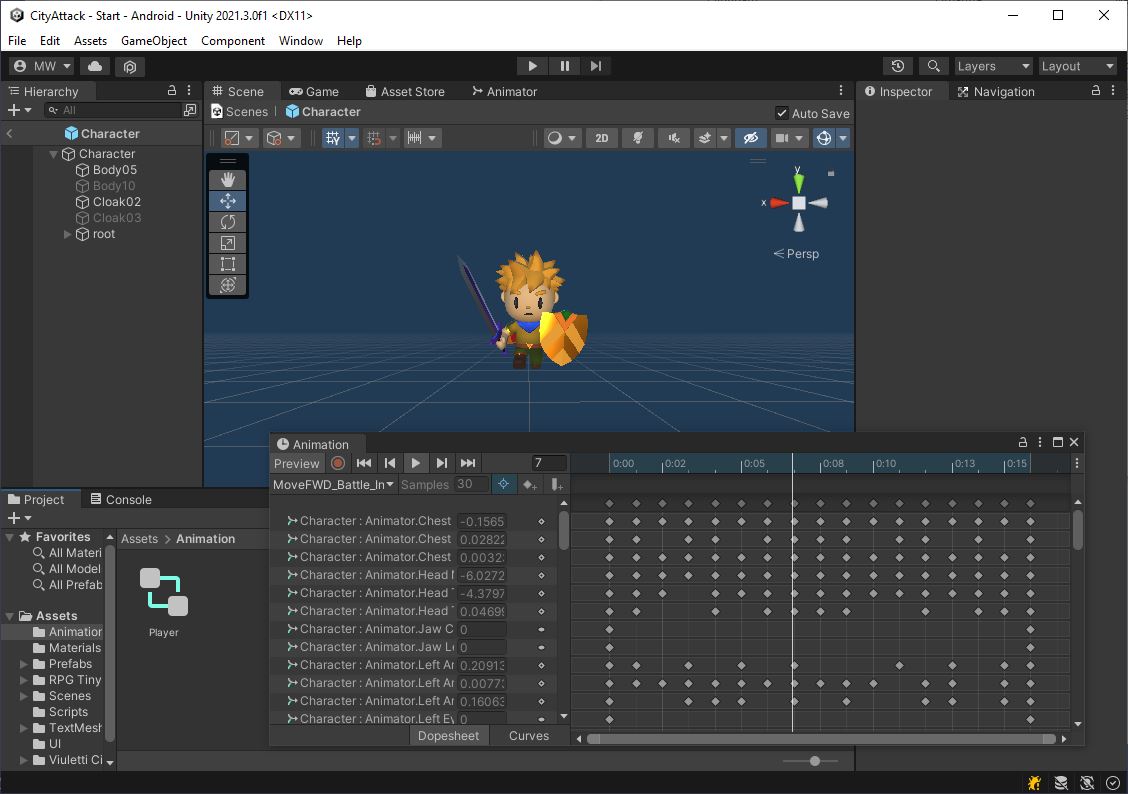
Character.cs
Start by bringing over your Character class from Lab08.
We’re going to convert this to AI controls.
- Copy your “Character.cs” over from Lab08
- Remove the virtual joystick code
- Leave the keyboard stuff for now. We’ll use it to test the character
- Add Character to your “Character.prefab”
- Add a unity CharacterController to your “Character.prefab”
- Adjust the capsule collider like we did in Lab08
- Drop an instance “Character.prefab” into your scene
When you hit play, you should be able to control your character with the keyboard.
Use this to verify that the character works
Pilot.cs
In Lab08, we discussed wanting to make the Character class reusable for either the player or an NPC.
Let’s take the controls (which are currently connected to the keyboard), and move those into a separate class.
- Create a new class called Pilot
- Make the
Start()functionprotected virtual- We will want to override this later for the NPCs
- Give it a public virtual function
public virtual Character.CharInput GetInput() - Move all the keyboard controls from
Character.Update()intoPilot.GetInput()- The Pilot class will read the keyboard in
GetInput() - Set the facing angle
- Set the attack command if needed
- The Pilot class will read the keyboard in
- Add a public function
public void Reset()to your Pilot class- Use this to reset the attack command
- Add a Pilot to “Character.prefab”
- In
Character.Start()useGetComponent<>()to get the Pilot - In
Character.Update()replace the old keyboard controls with a call toPilot.GetInput() - At the end of
Character.Update()make a call toPilot.Reset()
All movement and animation code should still be in the Character class.
All input code should now be in the Pilot class.
Make sure you can still control your character now that you’ve moved the controls into the Pilot class.
Let’s commit and push this, and then we can start setting up the AI Navigation system.