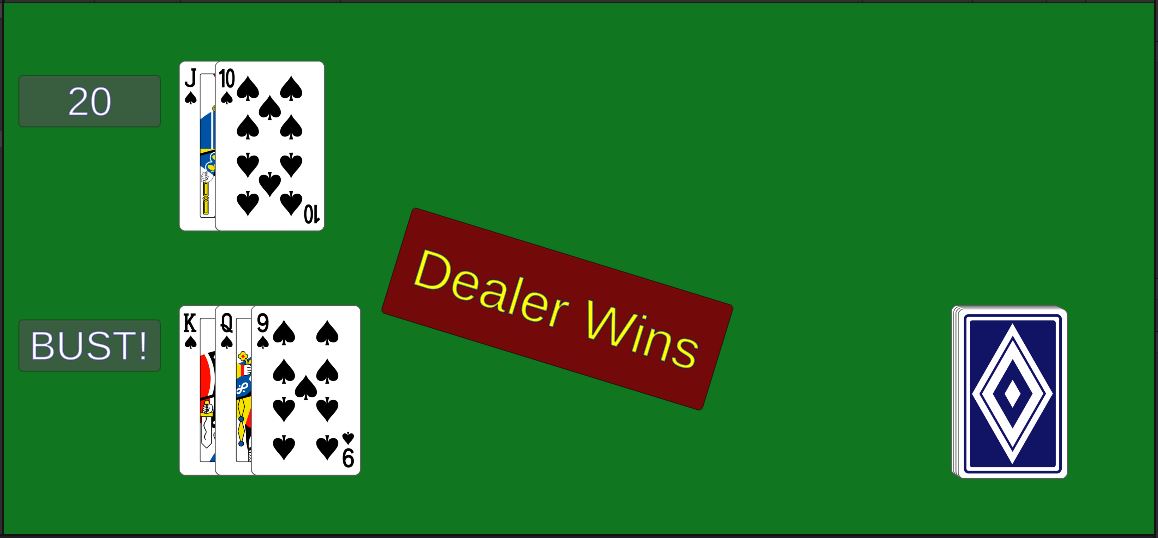
Hand.Score()
In the class Hand, fill out the function Score().
    public int Score()
    {
        // TODO calculate the score
        return 0;
    }
- Each card from 2 through 10 is worth the value of that number.
- Each “face card” (jack, queen, and king) are worth 10 points each.
- Aces are either worth 1 or 11 points. Use 11 points unless that would put you over 21 - then use 1.
- Return the total score.
Now when you play it, the score should work.
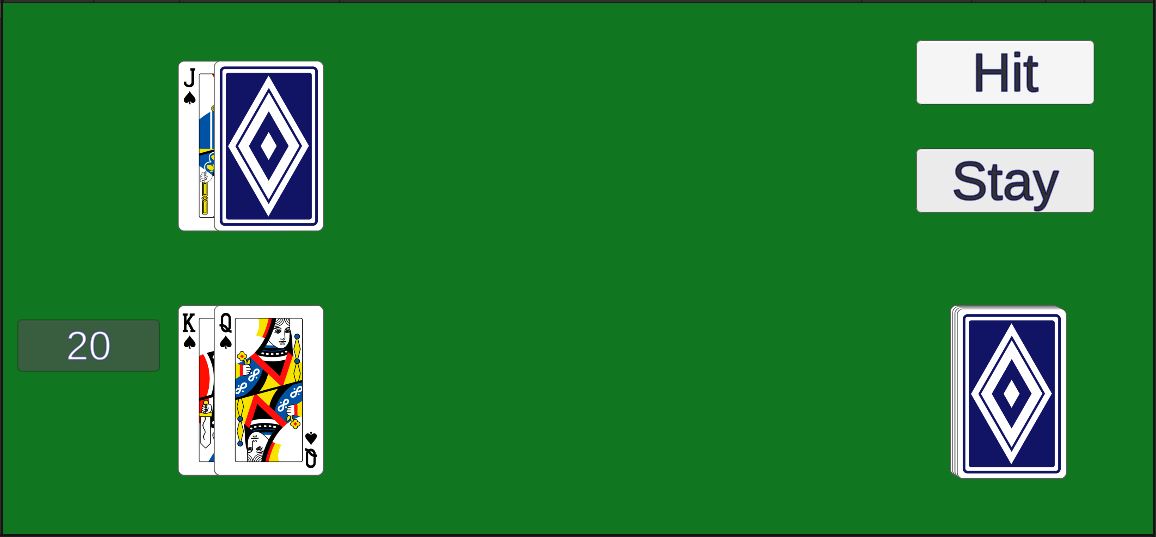 If you’ve sorted it the way I have, you’ll bust if you hit at all.
(You don’t have to sort it my way.) 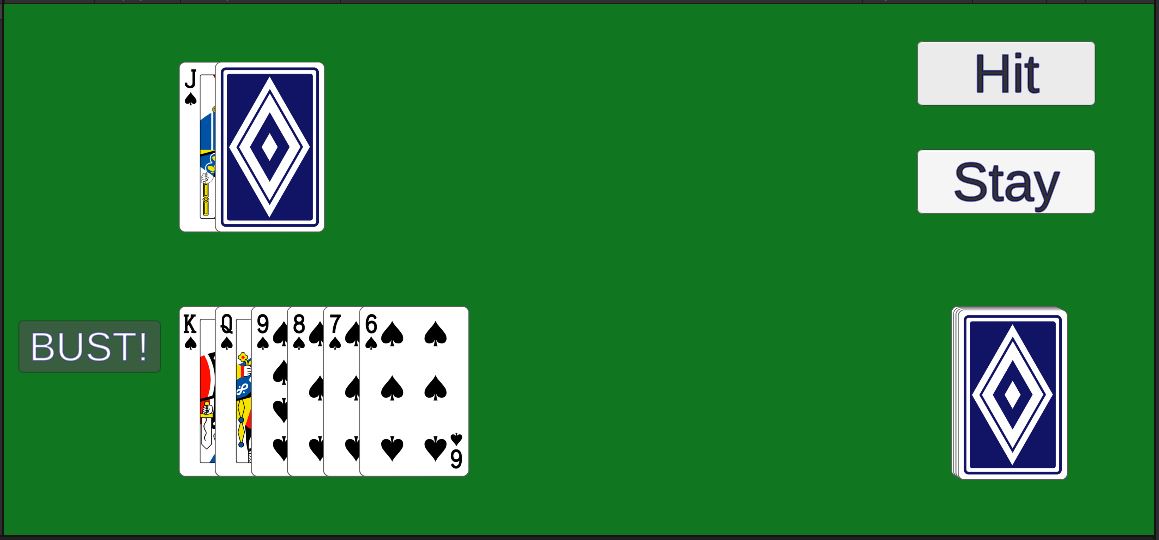 Use the Debug feature you set up (comment out the first 2 cards) to test your scoring mechanism.
Going bust won’t end the player’s turn yet.
You programmed it to call PlayerStay(), but we haven’t implemented that yet.
Let’s get on that.
Game.PlayerStay()
In the class Game, fill in the function PlayerStay().
    public void PlayerStay()
    {
        // TODO deactivate the hit button
        // deactivate the stay button
        // call RevealAll() to reveal the dealer's hand
        // activate the dealer's score display
        // start DealerTurn() as a coroutine
    }
The player’s turn is over, so let’s disable the player’s buttons and let the dealer take their turn.
- Use
GameObject.SetActiveto deactive the hit button. - Use
GameObject.SetActiveto deactive the stay button. - Reveal the dealer’s cards with a call to
RevealAll - Reveal the dealer’s score with a call to
GameObject.SetActive - Use
StartCoroutineto startDealerTurn().
The Game class has a member m_dealerScore. Calling GameObject.SetActive on that object will not show the dealer’s score.
The m_dealerScore object itself is the text object, but that is a child of the gray rectangle object which is also hidden.
To display that, you need to call m_dealerScore.transform.parent.gameObject.SetActive(true).
We haven’t actually covered coroutines yet.
At this point, all you need to do is call StartCoroutine(DealerTurn()), and we don’t need to undertstand that yet.
However, coroutines are pretty cool, so I’ve made a Crash Course video for you on that here.
You Are Here!