Make a List
In the Resources folder, we will find 1 xml file: Games.xml.
- Make a copy of that file and name it something else.
- Fill it with whatever elements you want, but make them thematically consistent.
- Animals, Song Titles, Famous Inventors, Whatever
- Include at least 3, but no more than 10 QuizElement in your QuizList.
- (We want a reasonable number for rapid testing purposes. A longer list would be appropriate in a final commercial product.)
Update the TBD button
In the Start scene, find the TBD button. 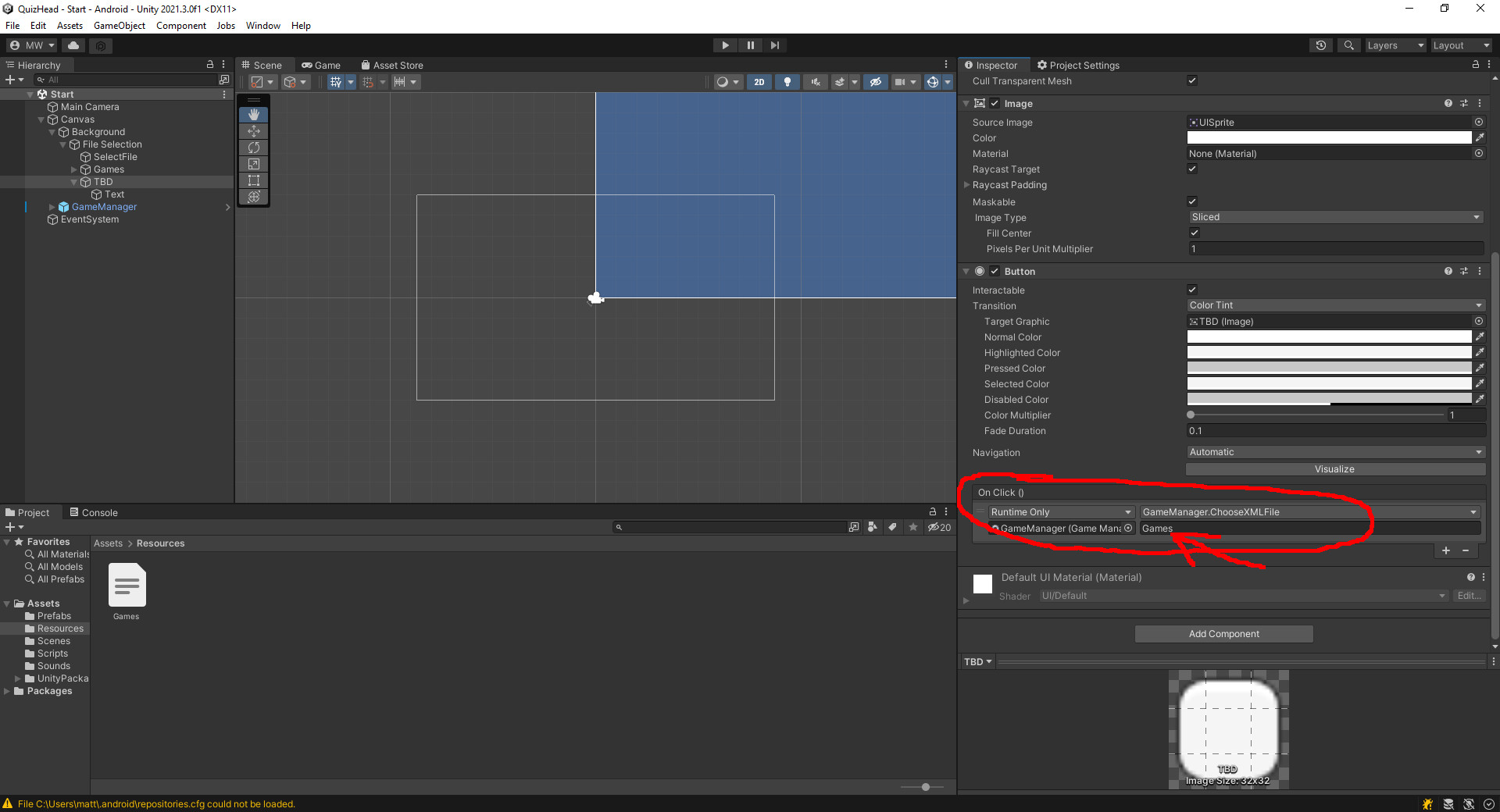
- Rename the TBD button to match your new QuizList
- Change the Text element to match the name of your new list
- Change the “On Click” argument (circled in red) to the name of your new xml file
- Do not include the .xml
- For example, we load “Games.xml” by simply loading “Games”.
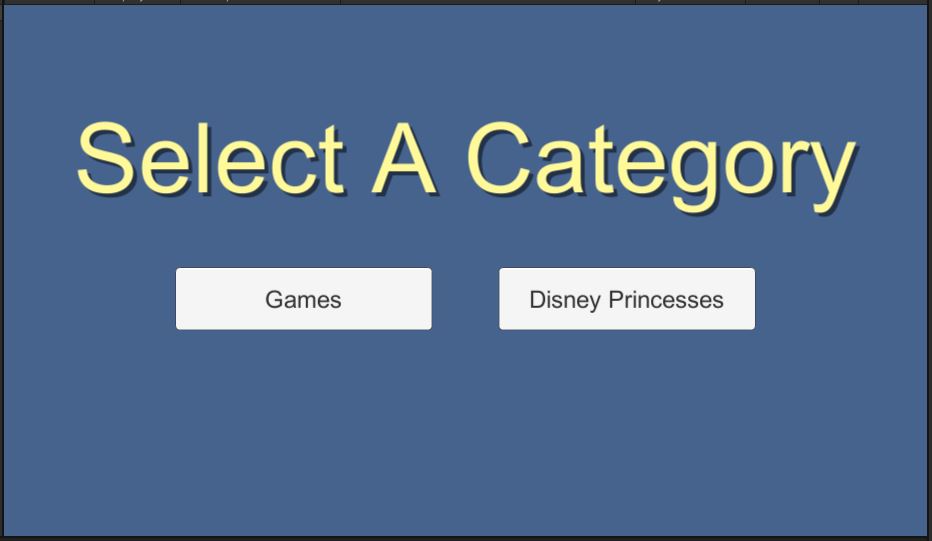
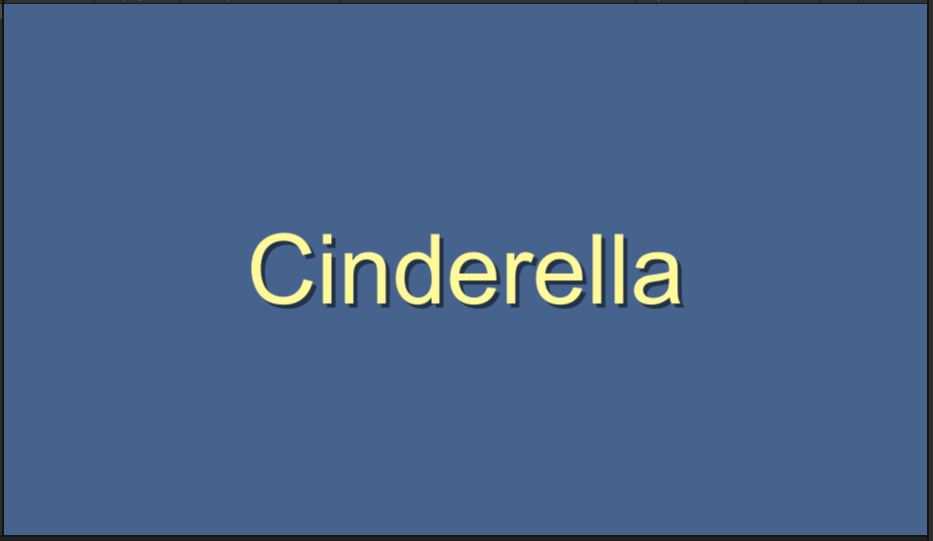
This is the end of the basic requirements.
Push your code now before we move on to the next part.