Deck.GetCard()
In the class Deck, fill out the function GetCard().
    public Card GetCard()
    {
        Card card = null;
        // TODO take the next card if there is one

        if (m_cards.Count <= 0)
        {   // if we're out of cards, gray out the deck image
            Image image = GetComponent<Image>();
            image.color = new Color(0.1f, 0.1f, 0.1f, 0.5f);
        }
        return card;
    }
- If there are no Cards left in the
m_cardList,cardshould returnnull. - Otherwise, remove one
cardfrom the Listm_card. - Use
SetActiveto activate thatcard’s GameObject. - Return that.
Try it out. Hit Play In Editor.
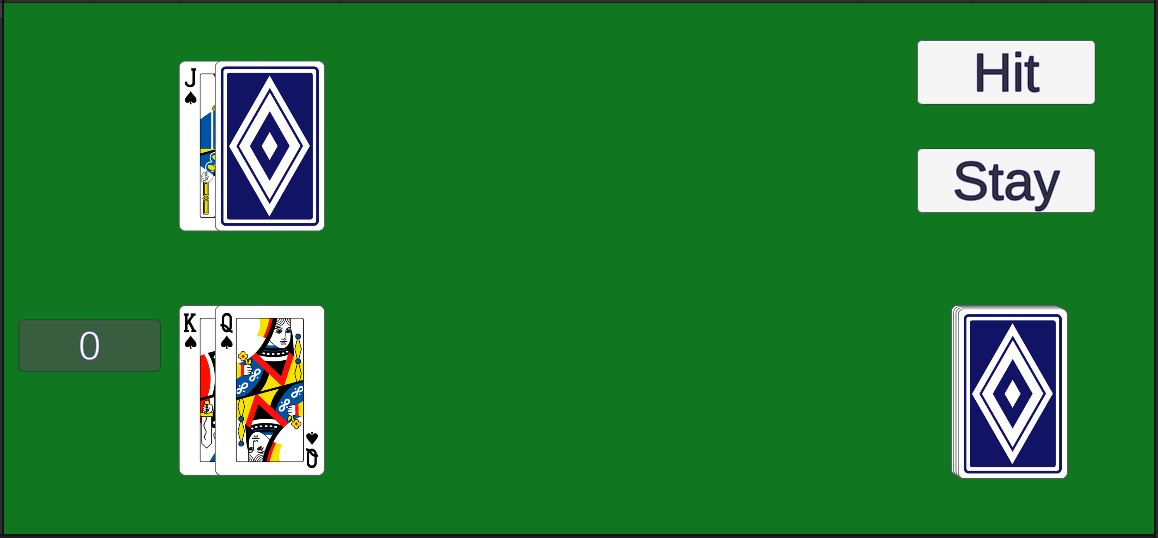
The order of the cards may vary depending on how you implemented the function.
We’ll do shuffling later.
Game.PlayerHit()
In the class Game, fill in the function PlayerHit().
    public void PlayerHit()
    {
        // TODO call GetCard() to get the next card from the deck and add it to the player's hand
        // call UpdatePlayerScore() to recalculate the player's score
        // if the player busts (score > 21), call PlayerStay()
    }
- Call
GetCardon the Deck to get a Card. - Add that Card to the player’s Hand.
- Call
UpdatePlayerScoreto calculate the player’s new score. - If the player busts (score exceeds 21), call
PlayerStayto end the player’s turn.
Try it out. Hit Play In Editor.
The hit button should add cards to the player’s hand.
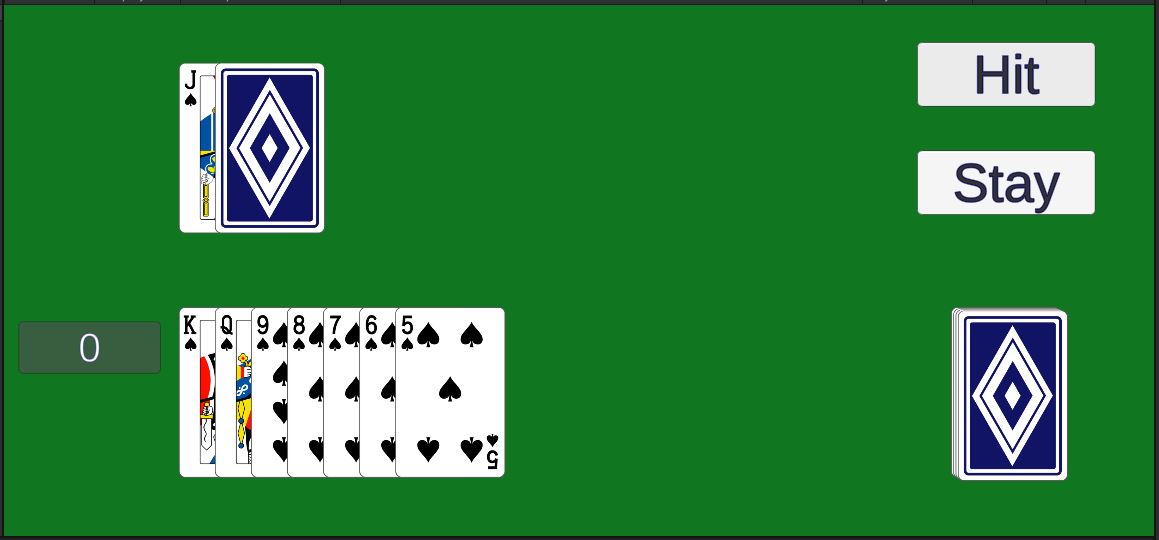
We still haven’t shuffled the deck.
The score doesn’t work yet.
Debug Get Card
It can be difficult to test all the different combinations of cards unless you have some way to control which card you get from the deck.
- Add a function
public Card GetCardWithRank(int rank)to the Deck class.- Loop through the deck to find the next available card with the specified rank.
- Remove that card from the deck.
- Return the card.
- If no matching card can be found, return null.
- Add an
Updatefunction to the Game class.- Use
Input.GetKeyDown()to check for a key press- If the key is
KeyCode.Alpha0(the 0 key on the top row of the keyboard):- Call
GetCardWithRank(0)to get a joker card
- Call
- If the key is
KeyCode.Alpha1(the 1 key on the keyboard)- Get an ace card by calling
GetCardWithRank(1)
- Get an ace card by calling
- Continue this pattern for ranks 2-9
- Use
KeyCode.Tfor 10,KeyCode.Jfor Jack,KeyCode.Qfor Queen, andKeyCode.Kfor King - Add the card to the player’s hand
- If the key is
- Use
You could do this with a series of if statements, but that’s pretty tedious.
Can you think of a way to do this with a for loop?
You would need a list (array) of key codes along with list of rank numbers.
Make sure this works.
Those first 2 cards will make it impossible to test every combination. To avoid that, simply comment out the 2 cards that are dealt to the player in Game.Deal().